> For the complete documentation index, see [llms.txt](https://guide.swiftxr.io/llms.txt). Markdown versions of documentation pages are available by appending `.md` to page URLs; this page is available as [Markdown](https://guide.swiftxr.io/plugins/wordpress.md).
# WordPress
Add or embed 3D, Augmented Reality (AR), and Virtual Reality (VR) content/design to your WordPress website.
### (One time) Add the SwiftXR Plugin to your Wordpress Site
To add the 3D/AR/VR view to your product page:
1. Go to Wordpress Website Editor and click on plugin
2. Click on add new plugin and search for SwiftXr
3. Click on "Install now" to install plugin
4. After installing, Click on the Plugin from your menu.
Important: SwiftXR does not change the look of your website. You can add the SwiftXR Viewer to different parts of your page by opening the widget settings and turning on the optional link feature.
Once you have added the plugin you can now embed your 3D project by following the steps below.
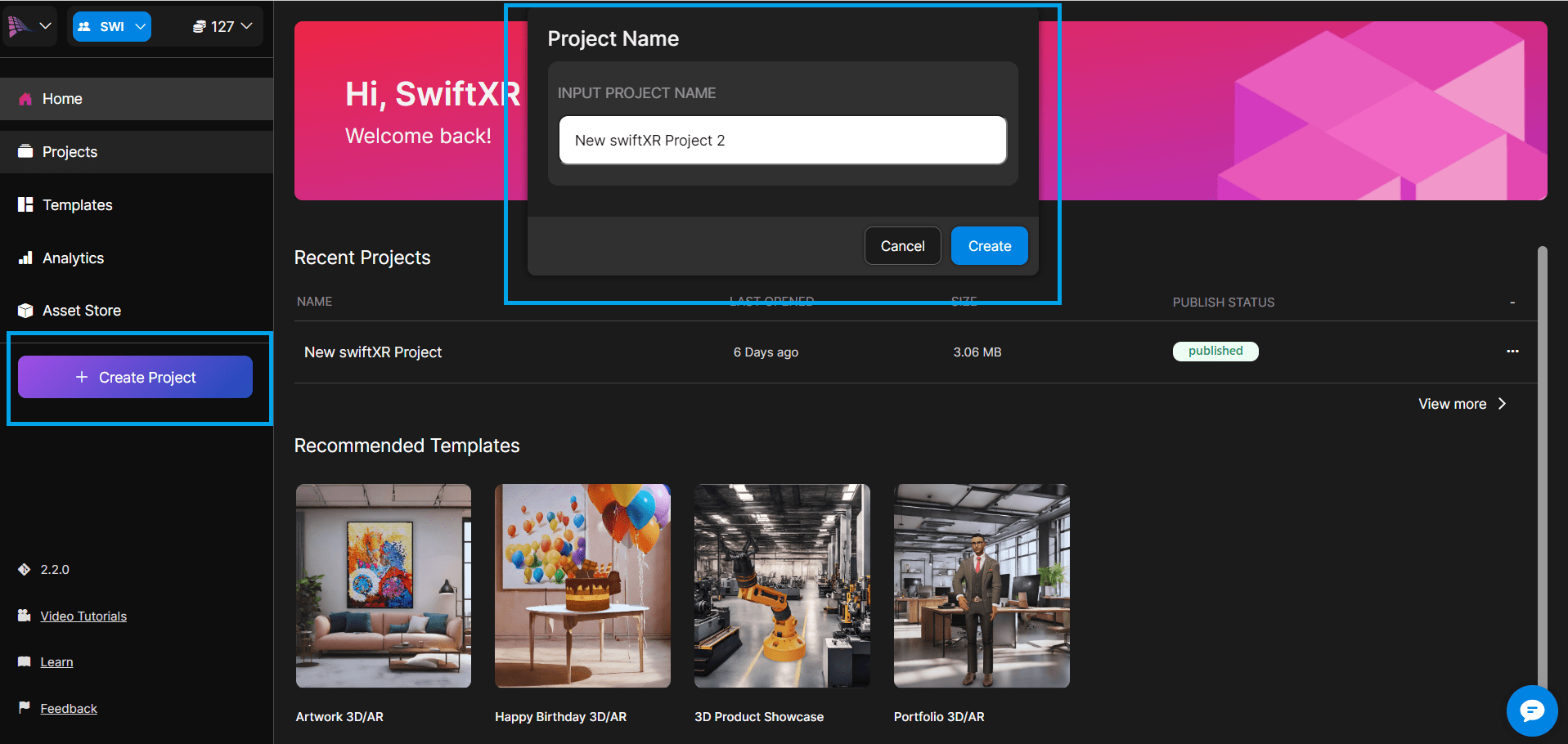
### Step 1 - Go to the SwiftXR Hub and Create a Project
To create a SwiftXR project and publish your 3D Model, visit the SwiftXR Hub. SwiftXR accepts multiple file formats such as fbx, obj, stl, gltf, and images.
(Optional) You can also use templates for quick starts
### Step 2 - Add a 3D Component and Upload your 3D Model
From the component tab, click or drag and drop a 3D viewer component to add it to the white canvas. Select the "Properties" tab to upload a 3D model, import from a 3D store or Request a 3D model from .
(Optional) To make sure that only your 3D model is visible, make sure to remove any other components on the SwiftXR Canvas.
### Step 3 - Publish/Update your Project
To publish or update your project, click the "Publish" button or "Update" if it is an existing project which is located at the top right corner of the SwiftXR Editor".
(Optional) You can customise the project URL before you publish.
### Step 4 - Copy the Published Project URL
After publishing your project, copy the published project URL'
Important: Make sure that your project URL has the "swiftxr.app" domain, otherwise our servers will mark it as invalid. You can also view and share the project using the published project URL
### Step 5 - Link SwiftXR Published Project to WordPress
***
1. To add published project to your WordPress, Click on the plugin from your WordPress Menu
2. Click on "Add New Entry"
3. Enter the published url from SwiftXR
4. Adjust your dimensions (this is for the embed object)
5. Click on "Add Entry"
6. After Adding Entry copy the short code. This will be needed to display product in your WordPress Site.
### Using the generated ShortCode on your WordPress site
To use the generated short code on your WordPress Site, follow the steps below
* Open the page you want to edit, and Click to add a block.
* Search for ShortCode on the block search input, then drag and add to page.
*
```
```
* Paste the ShortCode generated from the SwiftXr plugin before now.
* Click on Save
### Congratulations! You have successfully added 3D/AR/VR. Enjoy exploring your products in a whole new way!
***
Note: Keep adding your 3D models to your store to make it more interactive.
Tip: Adding 3D/AR/VR content across your WordPress can help increase customer browsing time and number of items viewed.